
A useful barndominium pre-drywall walkthrough produces three things: a labeled photo record, a list of unresolved questions and a clear plan for closing those questions before work is covered. Bring your current plans, a phone, a flashlight, a tape measure and a way to take notes. Walk with the builder or responsible trades so observations become assigned actions.
This is an owner documentation visit. Required inspections, testing and permission to cover work come from your local authority and the project’s qualified professionals. Confirm access and timing with the person responsible for the site.
Last reviewed: October 14, 2026. This guide provides a documentation workflow, not an inspection certification. The linked tool guide includes affiliate recommendations and disclosures.
When to schedule your barndominium pre-drywall walkthrough
Ask your builder which details will become inaccessible next and schedule the visit while those details are still visible. You may need more than one visit: one before insulation hides services and another before drywall covers insulation and backing. Coordinate around the actual construction sequence rather than assuming every project has the same inspection schedule.
Ask these questions before arriving:
- Which areas are safe and ready to enter?
- Which work will be covered next, and on what date?
- Which required inspections and tests are complete, and where are the records?
- Who will answer questions about electrical, plumbing, HVAC and the building enclosure?
- How will open items be reviewed before covering proceeds?
Use our free rough-in checklist to prepare the questions you want to discuss.
What to bring to a barndominium pre-drywall walkthrough
| Bring | Use it for | Buying advice |
|---|---|---|
| Current plans and approved changes | Match room names, intended locations and revisions. | Download an offline copy or bring printed sheets. |
| Phone or camera | Wide views, detail photos and a labeled record. | Use what you own; charge it and check storage. |
| Flashlight | See accessible shaded areas without relying on the camera flash. | A working light you already own may be sufficient. |
| Pocket tape measure | Record visible locations from named reference points. | Start with a readable tape; a laser measure is optional. |
| Notebook and pencil, or notes app | Track questions, responsible people and follow-up dates. | Choose a method you can use consistently. |
| Removable labels, if permitted | Match a room or question number to its photos. | Ask first; do not cover markings or attach labels to wiring or equipment. |
| Site-required protective equipment | Meet the site’s access requirements. | Confirm requirements with the builder before the visit. |
For specific tape, marking and protection options, see the owner-builder tool guide. If you are considering another measuring tool, read laser measure vs. tape measure first. A walkthrough does not require buying an entire contractor toolkit.
Photograph each room in the same order
Begin with an overview that identifies the room. Then move around the walls in a consistent direction, taking overlapping wide photos before close-ups. Photograph accessible ceiling areas and service routes from safe positions on the floor. Follow site instructions around openings, unfinished stairs and active work; arrange for the appropriate person to document inaccessible areas.
Use a simple naming system:
- Room: Kitchen, bedroom 1, utility room or shop.
- Wall: A, B, C and D, marked on your plan.
- Date: The date the photo was taken.
- Item: An observation number where follow-up is needed.
For example, 2026-10-14_Utility_Wall-B_Item-03.jpg is easier to interpret later than an unlabeled close-up of a pipe. Include a wider context photo with each detail. Save original files and back them up somewhere you can retrieve after the build.
Photographs help preserve context, but they do not prove installation quality or establish that a later fastener location is safe.
Measurements worth recording
Record visible locations that will help you and your trades understand the finished home: backing intended for shelving or grab bars, planned wall-mounted equipment, service access locations and relevant box or opening positions.
Name both the reference point and the construction stage. “Box center is 18 inches from the left edge of the door’s rough opening” is clearer than “18 inches from door.” State whether a measurement starts at the slab, subfloor, finished surface or framing. Confirm any finish allowance with the responsible trade.
Do not reach into electrical enclosures, move wiring or piping, operate valves or disturb testing to get a measurement. Ask the trade to record details that require that access.
Use your records as a starting point for later questions, not as a concealed-services detector. Before drilling or fastening after completion, verify the actual location and use appropriate professional help or detection methods.
Questions to discuss with each trade
Electrical and low-voltage
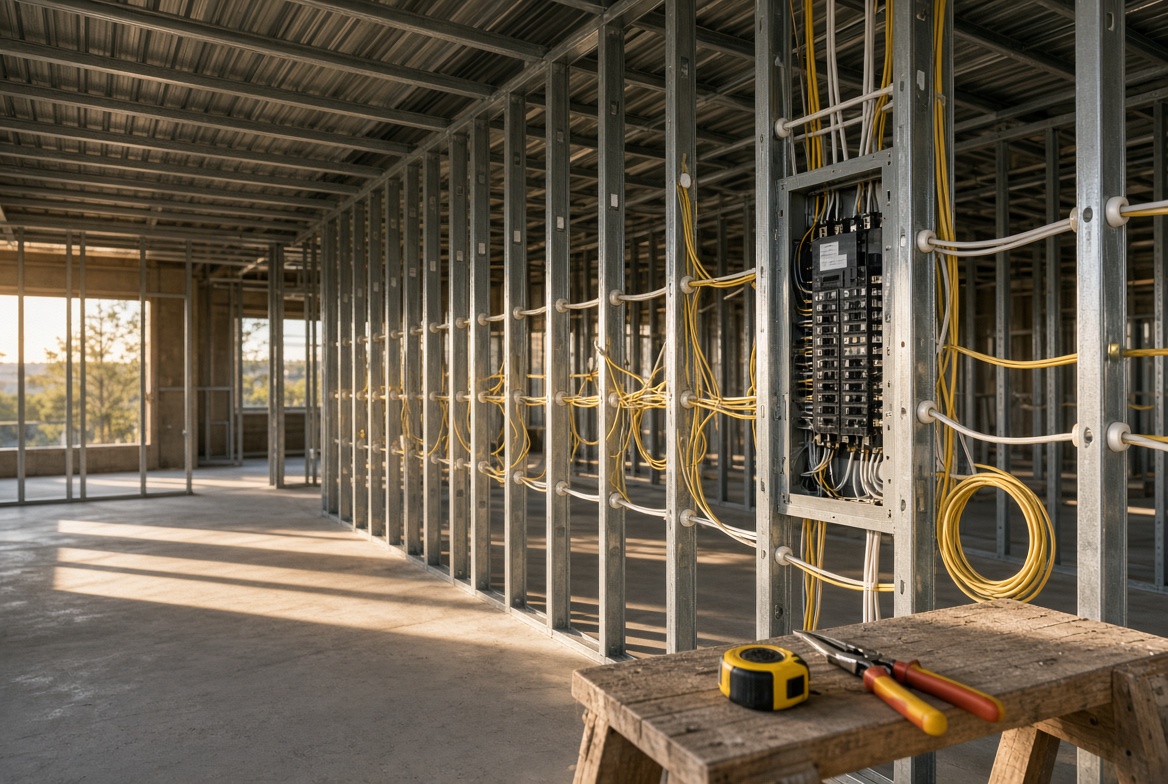
Compare the intended use of each room with the plans: switch locations, lighting controls, outlets, network points and planned equipment. Ask the electrician to explain any differences and record approved changes. In steel framing, ask how wiring is protected at penetrations and which details must remain visible for inspection. Leave technical acceptance to the electrician and inspector.
Plumbing
Confirm fixture locations against the selected fixtures and cabinet layouts. Ask where shutoffs, cleanouts and serviceable components will be accessible after finishing. Request the applicable test and inspection records from the responsible trade. Photograph visible routes and identify which wall they occupy.
HVAC and ventilation
Ask the HVAC contractor to explain equipment access, filter locations, condensate routing and ventilation destinations. Discuss anything that appears to conflict with framing, cabinetry or other services. Ask which required tests are complete and which are still scheduled.
Insulation and the building enclosure
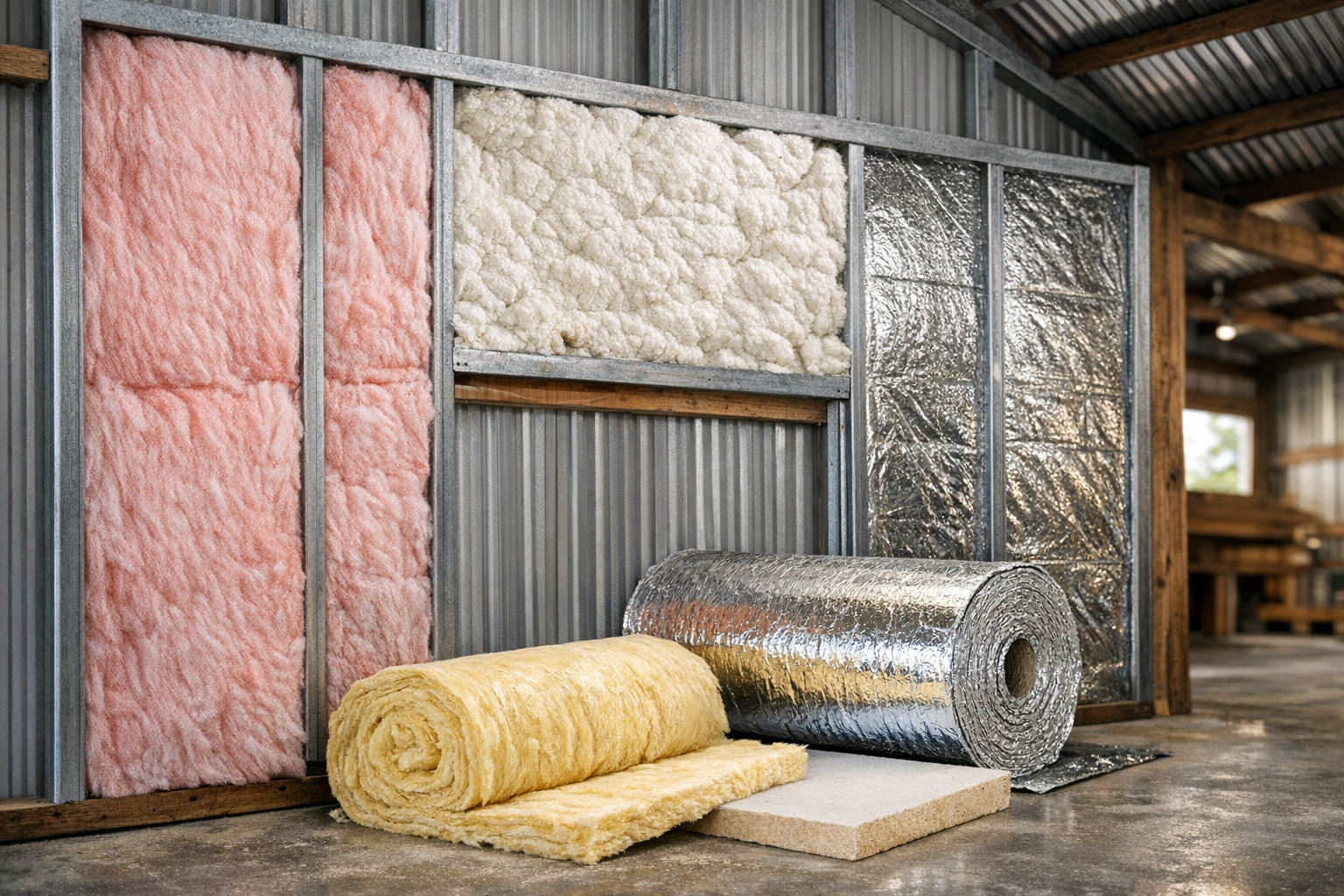
Ask the designer or installer to explain the planned air barrier, insulation assembly and treatment of penetrations. The U.S. Department of Energy’s air-sealing guidance identifies continuity around service penetrations and building junctions as part of effective air control. That makes this a useful coordination question while details are visible; it does not prescribe an assembly for your building.
For a steel barndominium, also ask how the specified assembly handles thermal bridges, condensation, manufacturer compatibility and required protection. Do not apply foam or sealant to an unfamiliar detail as a walkthrough fix.
Turn observations into an action log
A photo alone rarely closes a question. Give each observation an owner and a clear follow-up step. Separate a design preference from a suspected defect so the right person can respond.
| Item and location | Question | Responsible person | Close-out evidence |
|---|---|---|---|
| 01 — Kitchen, wall A | Does the box location match the approved cabinet layout? | Builder and electrician | Written response and updated photo if changed. |
| 02 — Utility room | Will the planned finish preserve equipment service access? | Builder and relevant trade | Confirmed access detail. |
| 03 — Living room, wall C | Is backing provided for the planned wall-mounted item? | Builder | Location record and photo. |
Add a due date, status and the person authorized to close each item. Do not mark something complete solely because a message says “handled.” Obtain the relevant response, revised detail, inspection record or photo, depending on the issue.
Before work is covered
- Send the action log to the builder through your agreed project channel.
- Confirm who coordinates unresolved questions and the covering schedule.
- Request the required inspection and test records from the responsible parties.
- Record approved changes and any remaining follow-up visits.
- Photograph completed corrections where accessible and back up the final record.
Your walkthrough notes do not authorize covering work. Confirm that decision through the project’s responsible parties and local requirements.
Choose your next step
Preparing for your first visit? Start with the free rough-in checklist.
Want a fuller planning system? The Barndominium Rough-In Pack is our paid product on Gumroad. It offers an 88-item Rough-In Checklist, an Owner-Builder Bundle with planning and budgeting resources, and a Contractor Pack with additional templates. Review the current version descriptions and choose the scope you need.
Need the basic gear? Our tool guide distinguishes repeat-use essentials from equipment better borrowed or rented.
Frequently asked questions
Is a pre-drywall walkthrough the same as a required inspection?
No. An owner walkthrough documents questions and project details. It does not replace required inspections, trade testing or a qualified independent inspection you arrange.
Should I visit before or after insulation?
Coordinate with the builder around what will be concealed next. Service routes may need documentation before insulation; insulation and other details may need a later visit before drywall. Confirm the actual inspection sequence locally.
Do I need a laser measure?
Usually not for basic documentation. A phone, readable tape, light and consistent notes cover many owner tasks. Use the tool that suits the measurement and leave inaccessible or technical checks to the relevant professional.
Can I use these photos to drill into walls later?
Photos can help explain the layout, but they are not clearance to drill. Conditions may change, photos may omit details and measurements may use unfinished reference points. Verify concealed services before work.
Sources and editorial approach
This guide combines an editorial documentation workflow with building-industry context. It makes no claim of inspecting your project or establishing local requirements.
- U.S. Department of Energy: Tight Air-Sealed Homes — continuous air barriers and service penetrations.
- NAHB: Benefits of Continuing Education — a builder’s example of documenting interiors before drywall.